Can Existing CAD, BIM or 3D Models Be Reused for a Digital Twin?
A model that opens is not automatically ready for a digital twin. Check rights, coordinates, object hierarchy, asset-ID mapping and target-device performance before choosing reuse, conversion or rebuilding.
On this page 6 sections
Decide what "reuse" actually means
CAD drawings describe dimensions, structure and location. BIM files may also carry component properties. An existing 3D scene may be closer to the intended visual result. A digital twin interface, however, may need users to select a device, inspect its status, locate an alarm and switch floors. Being able to see a building is not the same as being able to identify one asset within it.
Write down the first release's user action: which object must they find, which data must they see, and what happens next? A showroom walkthrough may prioritize visual surfaces and camera routes. An operations view depends more on asset IDs, hierarchy, point mapping and data freshness. The intended task determines which layer of the model has value.
Check six kinds of evidence before estimating reuse
Ask the model provider for an inventory, then review it with modeling, development and business owners. "The file opens" is only the first check. The evidence below determines the remaining work.
Scroll the table horizontally to see all columns.
| Check | Evidence to request | If it fails |
|---|---|---|
| Files and rights | Editable source, exports, software version, dependencies and a clear permitted scope of use. | Verify licensing and source access first; a screenshot is not a development asset. |
| Scale and position | Units, origin, coordinate system, floor elevations and reference points against drawings or the site. | Misalignment affects asset location, map overlays and click targets. |
| Object hierarchy | Whether buildings, floors, rooms and devices can be selected separately, with exportable names and hierarchy. | A merged floor mesh cannot directly highlight one device. |
| Business IDs | A mapping from model objects to asset codes, device IDs or other stable business keys. | Names alone are not a reliable live-data binding. |
| Visual resources | Textures, materials, fonts, animations and plug-in dependencies that reproduce on another machine. | Missing dependencies can break appearance, motion and later edits. |
| Target environment | Browser, GPU, display, network conditions and a representative loading test. | Good performance in the authoring tool does not prove stable operation on the client's device. |
If materials are incomplete, label each as available, pending or unobtainable. Do not assume full reuse in the quote or schedule. Compare the inputs with the digital twin project preparation checklist.
Classify each area: reuse, convert or rebuild
Reach a conclusion for each area and object, not the entire project. A building shell may be useful while its equipment objects still need rebuilding.
- Direct reuse: Rights are clear; maintainable files and dependencies are complete; scale and position are verifiable; target objects can be selected, business IDs can be mapped, and a representative run succeeds on the target environment. Data integration and UI interactions still remain.
- Cleanup and conversion: The geometry and spatial relationships are useful, but objects must be split, coordinates and naming standardized, materials restored, model weight reduced or ID mapping built. List those steps and acceptance samples separately.
- Rebuild: Critical spaces or devices differ materially from the site, the source cannot be edited, or required objects do not exist and local repair cannot meet the agreed purpose. Rebuild only the areas that need it.
If ownership, license or critical files remain unknown, the conclusion should be “not yet assessable,” not automatic rebuilding. Test whether layering, polygon reduction and on-demand loading solve performance problems first; see the 3D model optimization guide.
Run a small proof on one representative area
Pick an area with a typical building, a key device and a real data point. Do not begin by converting every file. Record the cause when a step fails: missing source, missing mapping or an unsuitable runtime.
- Open the source: Record the software and version; check geometry, materials, animations and dependencies without overwriting the original.
- Verify the space: Compare scale, orientation, floors and device locations against drawings or site reference points.
- Map one object: Bind a selected model object to a stable asset ID and a data field with a known source and update time. Similar names alone are insufficient.
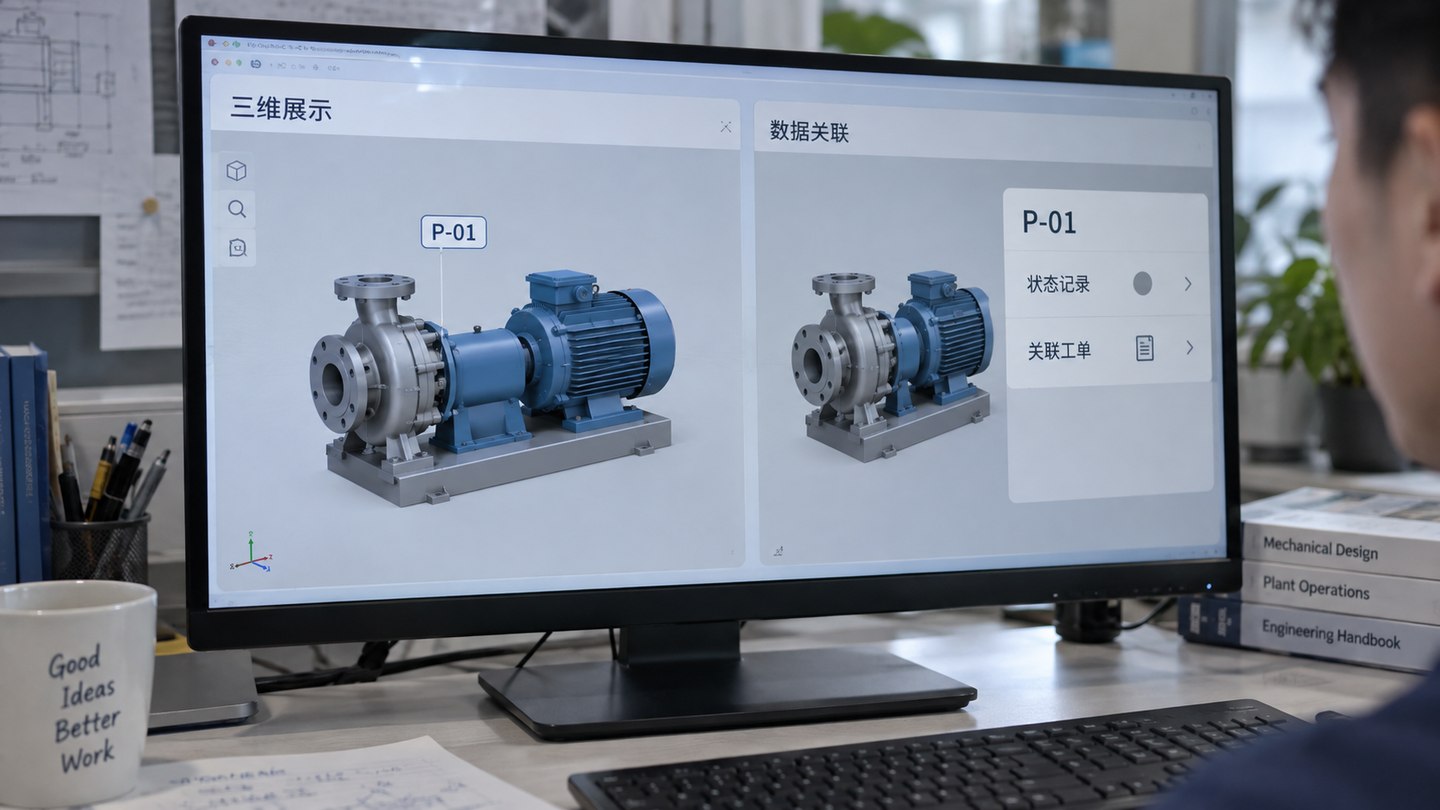
- Complete one interaction: Locate the object, open its status or alarm detail, then return to the parent area. Log missing, incorrect and unauthorized results.
- Test on the target device: Check loading, switching, interaction and sustained use, and whether model/data updates preserve the mapping.
Know when reuse cannot be promised
A render, video or non-editable runtime does not prove the geometry can be split, textures are present or code can be changed. An old model whose equipment positions no longer match the site is not fit just because it looks similar. If the asset-code table disagrees with the source system, settle mapping ownership and updates first; otherwise a highlighted status may point to the wrong device.
"This model cannot be reused" does not mean "a digital twin cannot be built." Missing assets can be supplied, repaired locally or rebuilt. While interfaces are pending, a model-to-sample-data mapping can be tested, but a demonstration state is not live integration. Record limitations and missing inputs at each stage.
Leave an editable handover and test the business path
Subject to the licensing and delivery agreement, the handover should include deliverable source and converted projects, version and dependency lists, object-to-asset mapping, coordinate and scale decisions, non-reusable areas and results from the target device. The receiving team should be able to open, edit and export the agreed sample area, not merely watch a demo.
For acceptance, find a named object in the interface, compare its model location and asset ID, then verify status and update time in the source system. Test missing objects, denied access, stale data and ID changes after a model update. Record display, data binding, interaction and performance separately. For the full project, use the digital twin acceptance checklist to check deployment, security and handover scope.